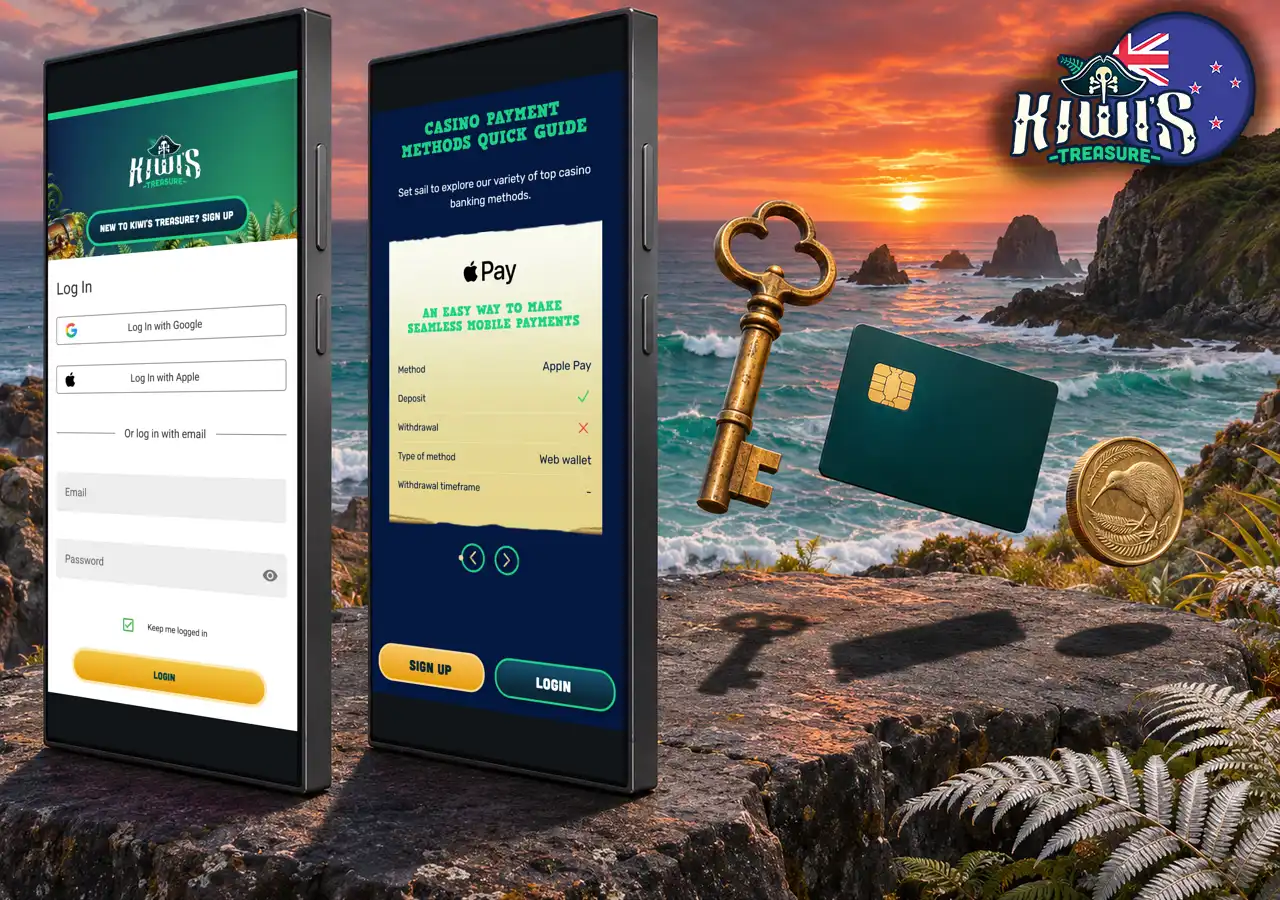
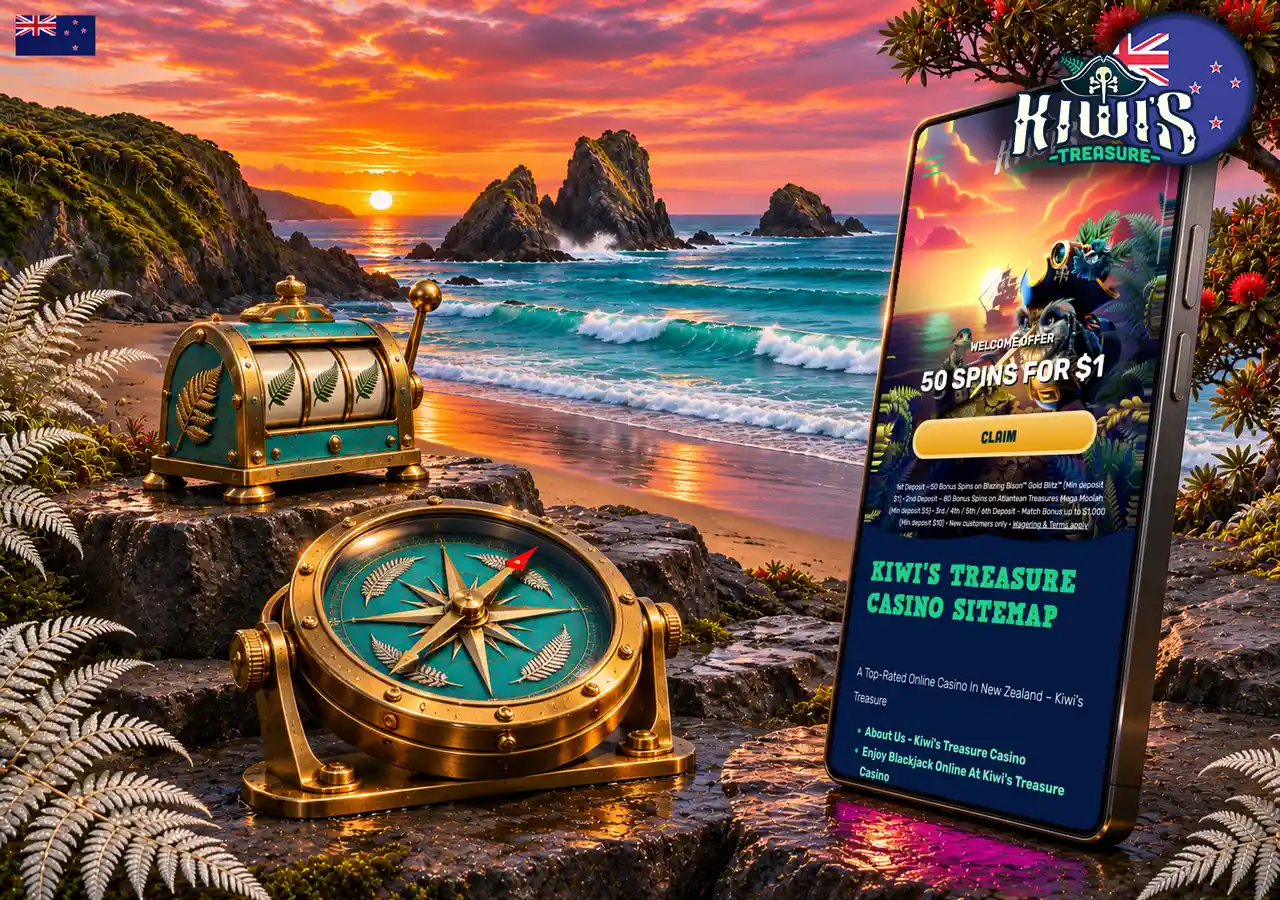
Kiwi Treasure App and Mobile Casino for NZ

There is no Kiwi Treasure app to download from the App Store or Google Play, because the casino runs in Safari and Chrome on iOS and Android instead. The mobile casino carries the full game library, from pokies and blackjack to roulette and live dealer tables, along with the Bank cashier and your account. Open the site on your phone and play in NZD.
Mobile access options for Kiwi Treasure players in New Zealand

Is There a Kiwi Treasure App Download?

No native iOS or Android app from Kiwi Treasure exists, and the brand has no listing in the App Store or Google Play. Anything presented as a Kiwi’s Treasure casino official app, in a store or as a file, comes from someone other than Baytree, the operator behind the casino. Type the brand name into both stores and look at the developer on any result; the search takes under a minute.

The browser version does everything a casino app from Kiwi Treasure would do for a player in New Zealand, from sign-in and payments to every game in the lobby. The one thing it lacks is an icon on the phone, and a home screen shortcut adds that in four steps on an iPhone.
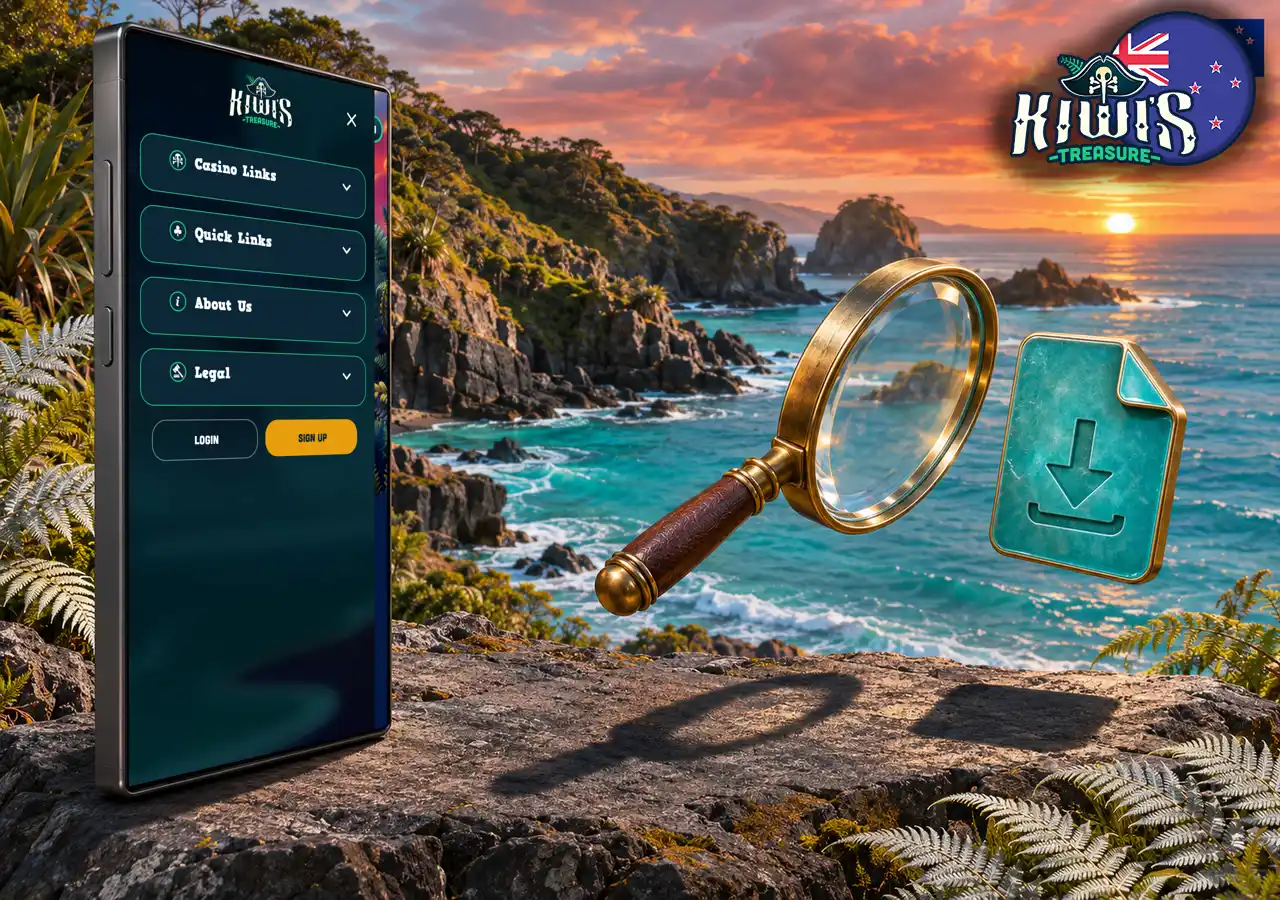
How to check whether an official mobile download exists

No Kiwi Treasure Casino App Needed: Playing in the Browser

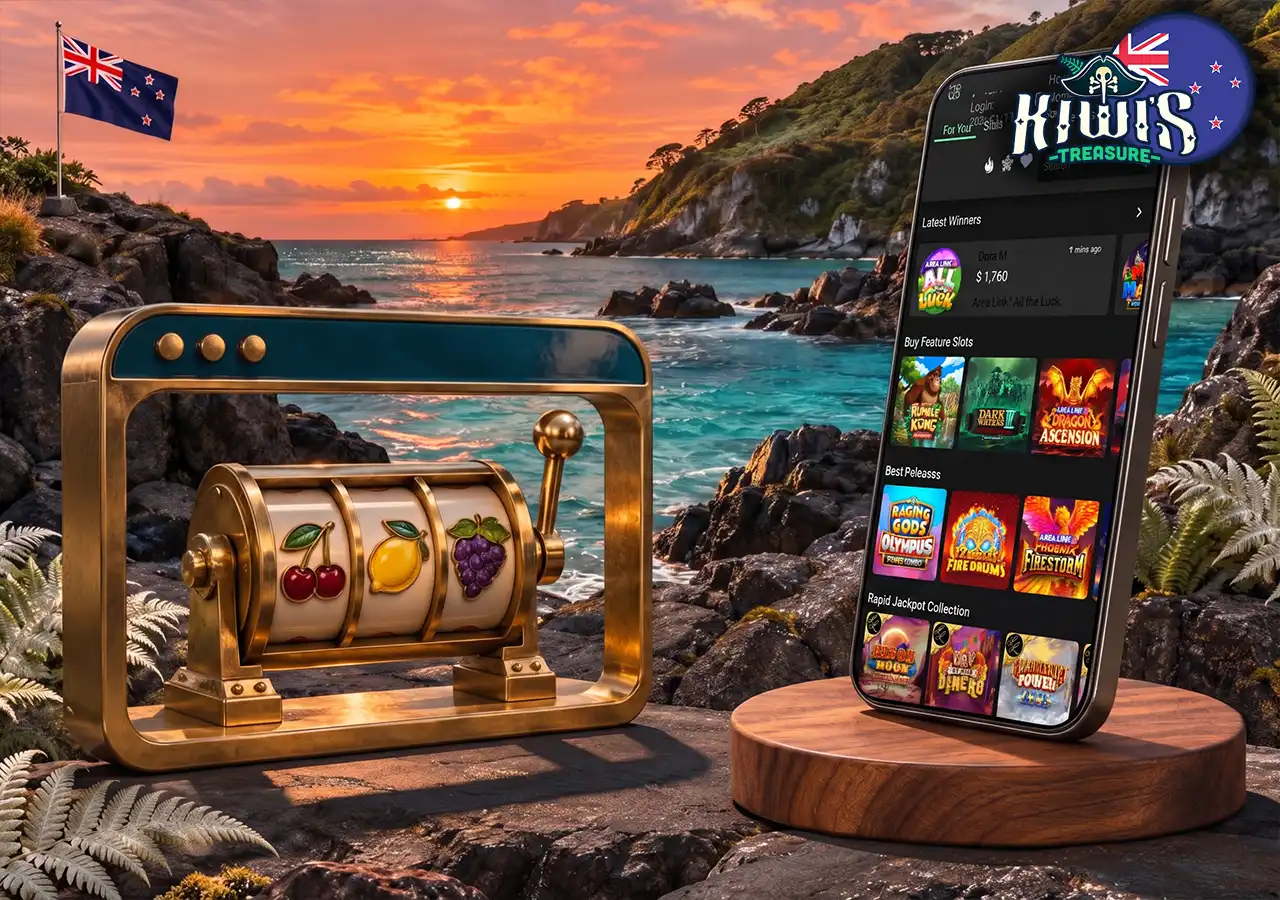
The mobile site is the same casino in a responsive layout, and its games are built in HTML5, so browser play needs no download and takes no storage on the phone. Every game category loads on a phone, live dealer tables included, with the features and jackpots of the desktop version. Kiwi’s Treasure recommends the latest version of Chrome, and Safari works on iOS.

The browser sends no push notifications. Bonus deadlines are yours to track: 7 days from opening the account to claim the welcome offer, 2 months before an unused match bonus expires and 30 days after your last deposit for the daily 10 spins on the Mega Millionaire Wheel. Live dealer streams need a stable connection, and under section 11 of the T&Cs any mobile network charges sit with the player, so data usage on long live sessions is worth watching.

Using the mobile browser to open casino games without installing software

When a game does not load on the phone, these fixes usually solve it:

  • Switch to the latest version of Chrome;
  • Test the connection and restart the router;
  • Clear cookies and the cache in the browser;
  • Turn on location services for the browser.

Add the Casino to Your Home Screen

An icon on the phone is the part of a Kiwi Treasure app that the browser can give you. Both iOS and Android save a site to the home screen as a shortcut that opens the casino in one tap.

The shortcut is not an installed app: it stores no game data on the device, and it keeps you signed in the same way the browser does while Keep me logged in stays ticked. The site is not a progressive web app, so the browser shows no Install prompt, and the Add to Home Screen menu is the route.

On an iPhone With Safari

Safari adds the icon in four steps:

  1. Open the casino in Safari.
  2. Tap the Share icon.
  3. Choose Add to Home Screen.
  4. Edit the name if you like and tap Add.

On Android With Chrome

Chrome needs three steps:

  1. Open the casino in Chrome.
  2. Tap the three-dot menu in the top right corner.
  3. Choose Add to Home screen and confirm with Add.

Fake APK Downloads: What to Watch For

With no official app, any Android file offered as a Kiwi Treasure app to download is an APK from a third party. Such files often copy a casino login screen to capture passwords, or ask for permissions a casino never needs, such as access to messages or contacts. Software that is not listed under the operator in either official store is not the operator’s software.

If you already installed one, act in this order:

  1. Delete the app from the phone.
  2. Change your password through Change Password in the account menu.
  3. Tell Live Chat, so the team can review the account.

Mobile Login and Payments

Mobile login needs no casino app for Kiwi Treasure and uses the same sign-in page as a computer, with Google or Apple as well as email, and the menu opens from the three-line icon in the bottom right corner. Autofill can drop saved details into a lookalike page, so confirm the brand name in the address bar and the padlock before you sign in.

The mobile cashier sits under Bank, where Apple Pay and Google Pay appear among the mobile-friendly deposit methods, while withdrawals go to methods such as Visa or Neteller. Verification works from the phone too: My Account → Upload My Documents lets you photograph each document with the camera and submit it as PNG, JPG or PDF up to 5MB. Deposit with Apple Pay or Google Pay and start on the 50 spins for $1.

Signing in and managing transactions from a phone

Mobile and App FAQ

Is there a Kiwi Treasure app?
No. There is no native app in either store, and the full casino runs in the phone browser.
Can I download it on iPhone?
No app for Kiwi Treasure exists on iOS. Open the casino in Safari and add it to the home screen for a one-tap icon.
Can I download it on Android?
No. Any APK presented as a Kiwi Treasure app comes from a third party, so play in Chrome instead.
How do I get an icon on my phone?
Use Add to Home Screen in the Safari Share menu or the Chrome three-dot menu. The shortcut opens the casino directly.
Do I lose any games on mobile?
No. The full library runs on mobile, live dealer tables included, with the same features and jackpots.
Is there an official app for Kiwi’s Treasure casino?
No. The casino runs only in the browser, so a store listing or file under that name is not the operator’s.
Updated